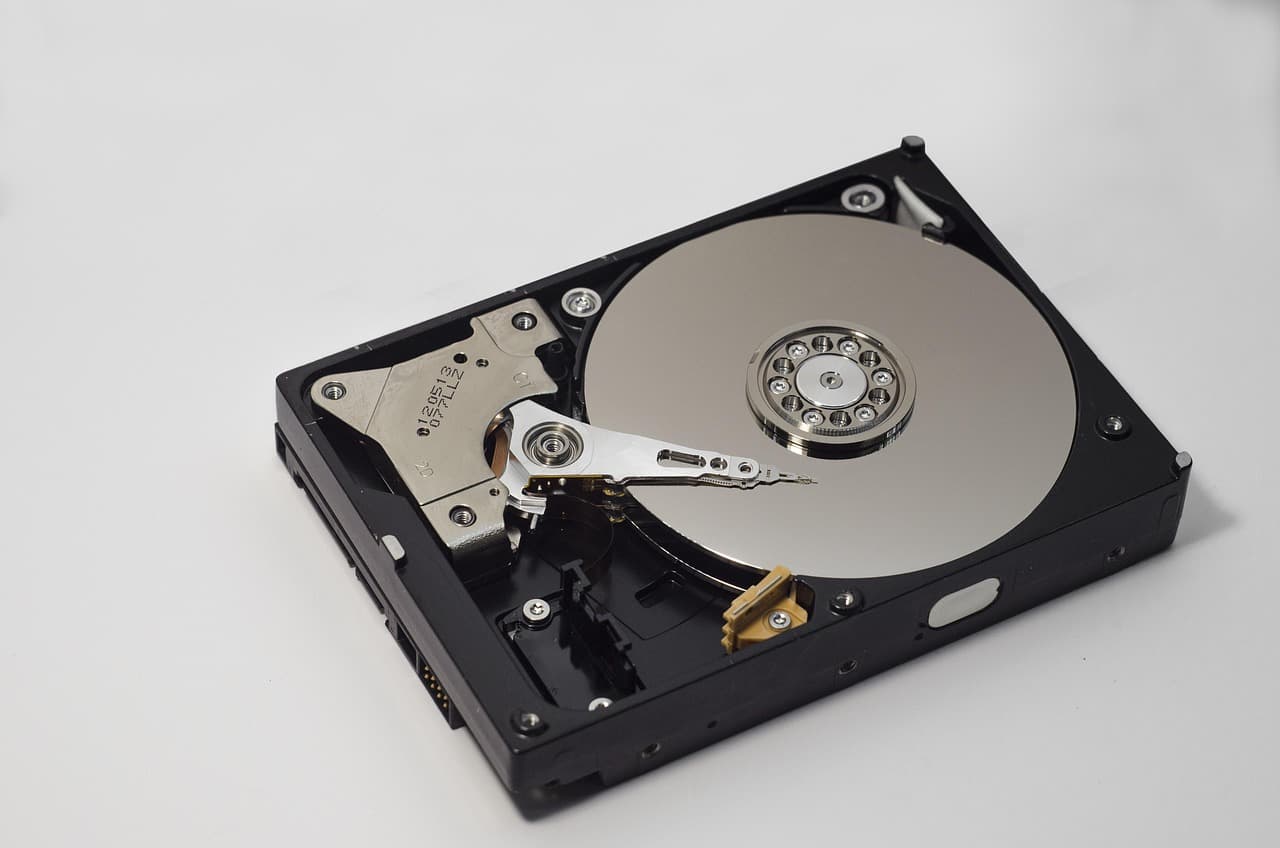
At a glance: EaseUS Data Recovery Wizard is the best all-round consumer pick (guided UI, full file preview before purchase, native Windows/macOS builds). R-Studio leads for technicians (RAID 0/1/5/6 support, rare formats, $79.99 lifetime). Best free option: TestDisk + PhotoRec (compared in detail here), with no GB cap. The honest headline: which tool you pick matters far less than the medium (SSD vs HDD), how fast you stop using the drive, and the type of loss.
There are a dozen serious data recovery programs on the market. They all claim "99% recovery in a few clicks." The honest reality is that no single tool wins every criterion, and real-world success diverges sharply once you move past simple recent deletions. This comparison picks the right tool per profile based on documented capabilities, real pricing and OS support, aggregated public reviews, and the physics of how deletion and overwrite work.
A note on honesty and method
This is an editorial comparison, not an original lab benchmark. We don't run a private test bench or publish invented per-scenario percentages. The rankings below reflect each tool's documented capabilities (supported file systems, scan engines, RAID/partition handling), vendor specifications, and the consensus of public reviews - combined with the well-established mechanics of recovery. Real outcomes vary widely case to case; treat this as directional guidance, not a guarantee.
The summary table
| Software | Best at | License price | UI | Strong cases |
|---|---|---|---|---|
| EaseUS Data Recovery Wizard | All-round consumer | $69.95 / yr or $149.95 lifetime | Very simple, EN / FR / ES | Home users, recent delete, RAW, ransomware |
| R-Studio | Hard / technical cases | $79.99 lifetime (Home) | Technical, learning curve | RAID, rare formats, IT engineers |
| Recuva (Piriform) | Simple free recovery | Free (Pro ~$25) | Very simple | Simple cases, recent delete |
| Disk Drill (CleverFiles) | Mac experience | $89 lifetime | Very simple, Mac-first | Mac, quick scan |
| Stellar Data Recovery | Photo / video | $59.99 / yr | Simple | Pro photos / videos |
This is a qualitative comparison. Your actual results depend on the media type, the age of the deletion, and post-incident usage far more than on the brand.
How recovery actually behaves in practice
A few nuances that vendor product pages never spell out. First, no tool gives a guaranteed percentage - outcomes swing wildly between a best case (Recycle Bin emptied the day before on an internal HDD, where almost everything comes back) and a worst case (a long-used RAW drive after the incident, where much is already overwritten). The paid tools (EaseUS, R-Studio, Disk Drill) are generally more consistent across hard cases; Recuva is far more uneven - fine on simple cases but weak once the incident is more than a day or two old.
The second nuance: getting a file to appear in a scan list tells you nothing about its readability. A file can be listed but corrupted to the point of being unusable, especially when it was fragmented. This is why a recovered-file count alone is misleading - what matters is how many files actually open cleanly. On that stricter bar, the engines with stronger reconstruction (EaseUS, R-Studio) tend to do best.
Finally, the outcome depends massively on media type. On an SSD with TRIM enabled (nearly all modern SSDs), no software recovers well because the firmware has already overwritten freed blocks. On a recent internal HDD, most tools do well. On an SD card used 3-4 days after a format, results collapse for everyone because new photos physically overwrite the old. These media effects are more decisive than the choice of software - far better to stop using the drive immediately than to agonize over the "right" tool 24 hours later.
Cases where none of these will work
It's important to understand the common limits of all consumer-grade data recovery software, because they're not magic and no vendor states it clearly in their marketing.
Hardware drive failure. If your HDD makes repeated clicks (the famous "click of death"), if your SSD won't power on at all, or if the SD card doesn't show up in Disk Management, these tools are useless. They need a drive the OS can at least see and read. For confirmed hardware failures, you need a clean-room recovery service costing between €300 and €3000 depending on complexity - our data recovery cost guide breaks down real lab prices by failure type. Ontrack, Recovery Labs and DriveSavers are the international references. Trying to reuse the drive before pro intervention systematically makes things worse.
Encryption lost without key. If your drive is BitLocker or FileVault encrypted and you've lost both the password and recovery key, no software recovers the files. Encryption is precisely designed to resist this scenario. The only remaining option is brute-force which would take 10^20 years on a correct AES-256 password. For BitLocker, your recovery key is often stored in your Microsoft account (microsoft.com/recoverykey) or in your Active Directory if it's a corporate machine.
SSD after heavy TRIM. When the SSD firmware ran a full garbage collection cycle after your deletion (often within minutes to hours), freed blocks are physically overwritten and even the most advanced algorithms can't retrieve anything. That's the main reason SSD recovery is systematically harder than HDD: on a TRIM-active SSD, the file must be recovered within minutes of deletion to have a chance.
Per-file ransomware encryption. If your files have been individually encrypted by ransomware (the standard case since 2020), recovery software is useless because the files are still there - only their content has become unreadable. Recovery then goes through Windows Volume Shadow Copies (if not wiped by the ransomware), a prior backup, or a decryptor published on No More Ransom if the ransomware family is known and broken.
Continuous use after the incident. This is the most frequent and most painful mistake. You accidentally delete, you keep using the drive for two weeks thinking it'll be time to act later, and meanwhile Windows writes temporary files, downloads updates, does swap, and progressively overwrites the blocks where your files were. Golden rule: as soon as an unwanted deletion is detected, unmount the drive or shut down the machine, and work from another system afterwards with the source drive in read-only.
#1 - EaseUS Data Recovery Wizard: the best for most
Verdict: the best all-round compromise in 2026. Recommended for the vast majority of consumer cases.
Strengths
- Strong deep-scan engine, especially on post-format and RAW drives - one of the more capable consumer tools on these harder cases, ahead of lighter tools like Recuva.
- Interface in English, French and Spanish, with guided workflow: pick drive → scan → preview → restore.
- Full preview of images, videos, PDFs before buying - you confirm the files exist and open correctly before paying.
- 24/7 support by chat and email (verified, replies in 4h).
- More than 1000 formats supported (DOCX, JPG, MP4, PSD, ZIP, RAW photo, SQL database files).
- Effective deep scan mode for lost partitions.
- Works on Windows and Mac, supports BitLocker and FileVault encrypted disks if you have the key.
Weaknesses
- On complex RAIDs (rebuilt RAID 5/6), less performant than R-Studio.
- Annual license ($69.95) pricier than Recuva. Lifetime license ($149.95) pays back faster for repeated use.
- Chinese company - not a problem in itself (documented GDPR policy, local-only analysis), but worth knowing.
For whom
- Home user facing a delete / format / RAW drive.
- You want a UI that doesn't demand technical knowledge.
- You want to preview before paying.
See the EaseUS Data Recovery Wizard offer
#2 - R-Studio: the technician's reference

Verdict: more performant in absolute terms, but reserved for technical users.
Strengths
- Native RAID recognition (0, 1, 4, 5, 6, 10) and rebuild of degraded RAIDs.
- Scan algorithms among the most advanced - sometimes recovers files others miss.
- Built-in hex file editor, useful in forensics.
- Disk imaging to work on a copy without touching the original.
- Network edition for remote recovery.
Weaknesses
- Intimidating UI: technical terminology, no guided workflow. Bad pick for a panicked home user.
- Limited support in non-English languages.
- Less developed preview than EaseUS.
For whom
- IT technician, network admin, or hobbyist forensics.
- Work on RAID configs or servers - for a focused head-to-head against UFS Explorer, ReclaiMe and DiskInternals on degraded RAID 5/6, see our RAID recovery software comparison 2026.
- Buy once, lifetime ($79.99).
#3 - Recuva (Piriform / CCleaner): the honest free option
Verdict: enough for simple cases, outclassed on complex failures.
Strengths
- Totally free in standard form, no volume cap.
- Simple UI.
- Very fast on quick scans of recently deleted files.
- Published by Piriform, a known brand (CCleaner) - trust signal for beginners.
Weaknesses
- On RAW drives, lost partitions, deep scans: recovery rate well below EaseUS / Disk Drill.
- Hasn't received a major update in over 2 years. Algorithms are aging.
- No dedicated customer support on the free version.
- No Mac support.
For whom
- You emptied the Recycle Bin recently, on a classic HDD.
- You want to try a free recovery before paying.
- Beginner with a simple case.
#4 - Disk Drill (CleverFiles): the Mac favorite
Verdict: very good on Mac, decent on Windows, slightly behind EaseUS on extreme cases.
Strengths
- Excellent Mac integration: APFS, HFS+, FileVault-encrypted disks with key.
- Very polished UI, pleasant to use.
- Built-in data protection (Recovery Vault) that watches future deletions.
- Fast scans (often faster than EaseUS on small disks).
Weaknesses
- $89 license less competitive than EaseUS on Windows.
- On heavily damaged RAW drives, lower recovery rate.
For whom
- Mac user, recovery is your main case.
- You want an ultra-polished UI.
#5 - Stellar Data Recovery: the photo / video specialist
Verdict: specialist of pro media (4K video, RAW photo).
Strengths
- Reconstruction of corrupted videos (.mov, .mp4) among the best on the market.
- RAW photo recovery (Sony ARW, Canon CR3, Nikon NEF) recognized.
- Pro edition with file repair (on top of recovery).
Weaknesses
- Pricier long-term (mandatory annual subscription).
- For non-photo / non-video cases, EaseUS and R-Studio are equally good.
For whom
- Pro photographer with a damaged SD card.
- Videographer with corrupted rushes.
Our recommendation by profile
| Your profile | Recommended tool | Why |
|---|---|---|
| Home Windows user, accidental delete | EaseUS Data Recovery | Best all-round compromise |
| Home Mac user | EaseUS or Disk Drill | Equivalent UI, close rates |
| Want to try free first | EaseUS Free (2 GB) or Recuva | Enough for simple cases |
| Pro photographer / videographer | Stellar Data Recovery | Media specialist |
| IT tech, RAID, server | R-Studio | Absolute reference, technical |
| Zero budget, simple case | Recuva or PhotoRec | Solid for recent deletes |
Before you buy: checklist
- Download the trial first. Every paid tool offers a free preview scan. Never pay without confirming your files appear in the list.
- Check the money-back guarantee. EaseUS and Stellar offer 30 days. Disk Drill 14 days.
- Don't install the software on the drive to recover. Always on another drive.
- Restore to a separate drive. Never to the problem source.
Conclusion
For the vast majority of home users, EaseUS Data Recovery Wizard is the right call in 2026: clean UI, strong recovery including on SSD and RAW drives, responsive support, preview before purchase. Technicians will prefer R-Studio. Tight budgets will go for Recuva or PhotoRec on simple cases.
Whatever your choice, the real determinant remains how fast you act: the earlier you scan after loss, the better. And of course, the only true long-term protection is a backup strategy - see our 2026 backup guide.
Try EaseUS Data Recovery Wizard
Resources
- No More Ransom - Ransomware decryptors
- Our Windows file recovery guide
- Our corrupted external drive guide
- Our mobile photo recovery guide
Advanced technical cases
- NVMe data recovery 2026 - controller compatibility
- Software RAID recovery - RAID 0/1/5/6/10
- Recovering data from broken laptop PCB
- Database recovery: SQL / Postgres / MongoDB
- Encrypted VeraCrypt volume recovery
Related guides
- Best Recuva alternatives in 2026
- Best free data recovery software
- EaseUS vs Disk Drill vs Recuva compared
- Data recovery software compared (8 tools by loss type)
- Data recovery glossary: 25 key terms
- Is EaseUS Safe? An Honest Look at EaseUS Data Recovery (2026)
Recover your deleted files → EaseUS
Free scan · deleted, formatted & lost files · Windows & Mac