file-recoveryTXN

Stellar vs EaseUS 2026: The Free Tiers Are Not What They Look Like

Stellar Data Recovery vs EaseUS Data Recovery Wizard, compared on what you can check yourself: free tier limits, licence model, platform and file system support. Stellar's free edition gives 1 GB by default and 2 GB only if you share it on social media. EaseUS states 2 GB outright.

By Eric Gerard · Editor · Save My Disk3 min readPhoto via Pixabay

Comparisons between recovery tools usually turn into a table of claimed recovery rates. We are not going to do that, because we have not run those tests and nobody publishing them shows you their method. What we can compare is everything you can verify yourself in five minutes: what the free tier actually gives you, how the licence works, and where the two products stop being interchangeable.

The free tiers, and the condition nobody mentions

Both products let you scan and preview for nothing, and both cap what you may recover without paying. The caps look identical until you read the fine print.

Stellar Data Recovery FreeEaseUS Data Recovery Wizard Free
Free recovery1 GB by defaultUp to 2 GB
How to reach 2 GBShare the product on social mediaNothing to do
Scan and previewFreeFree

Both figures come from the vendors' own free-edition pages, read on 2026-08-26. Stellar's page is explicit about it: the free edition includes one gigabyte by default, and sharing the product unlocks the second.

That difference is small in gigabytes and large in practice. A single phone video, a RAW photo burst, a virtual machine disc: any of them can sit between one and two gigabytes. If your lost file is 1.5 GB, one product recovers it for free and the other asks you to post about it first.
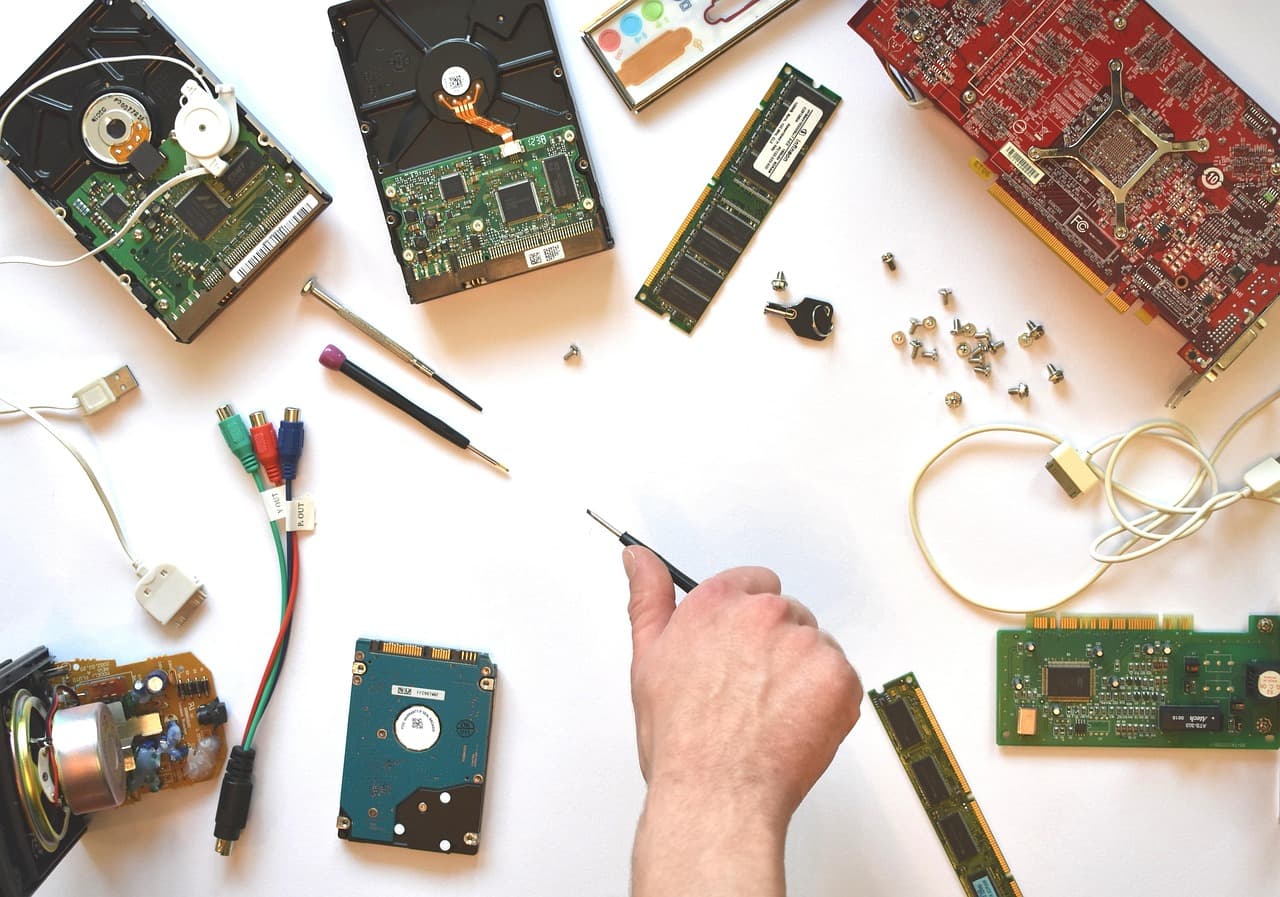
A white surface seen from above, strewn with computer parts: two 3.5 inch hard drives lying circuit board up, a laptop drive, memory sticks, a red graphics card, loose screws, cables and a screwdriver, with a hand entering from the bottom of the frame holding a small screwdriver

The situation these tools are bought for rarely looks tidy. What decides the outcome is usually what was done in the first hour, not which brand was installed.

What the free tier is really for

The recovery cap gets the attention, but it is not the useful part. The useful part is that both products scan and preview before payment.

That preview answers the only question that matters at the start: is the data still reachable at all? If the scan lists your files, the odds are decent. If it comes back empty after a deep scan, no licence will change that, and the money is better spent on a specialist than on either of these.

One caveat that applies to both: a file can appear in the list, preview correctly from its first blocks, and still be truncated further in. Recover a small sample and open it in its real application before you buy anything on the strength of a file list.

Where the two stop being interchangeable

For a deleted folder on a normal Windows or Mac volume, both cover the mainstream file systems and the choice is close to arbitrary. The distance appears at the edges.

RAID sets, virtual machine discs and encrypted volumes are handled by the higher tiers of both ranges, not the entry ones. Both vendors package those capabilities into more expensive editions, and both change the packaging often. If your case is one of those, the tier you need matters far more than the brand you pick, and the entry licence you were about to buy would not have covered it.

The thing that decides more than the choice

Stop writing to the affected drive. Every new file can land on the blocks that still hold what you lost, and once that happens the recovery is gone no matter whose software you run. Do not install the tool onto the drive you are recovering. When the data genuinely matters, work from an image of the disc rather than the disc itself.

The tool moves the odds a little. Continuing to use the drive removes them.

Editorial pick
4.5 / 5

Recover your deleted files → EaseUS

Free scan · deleted, formatted & lost files · Windows & Mac

Founded in 200430-day guaranteeFree 2 GB version
See the offer

Frequently asked questions

What is the real difference between the Stellar and EaseUS free editions?

The size of what you can actually recover, and the condition attached to it. EaseUS states on its own free page that the free edition recovers up to 2 GB. Stellar's free edition page states that it includes 1 GB of free recovery by default, and that sharing the product on social media unlocks an additional gigabyte to reach 2 GB. Both figures were read on the vendors' own pages on 2026-08-26. The practical consequence is that the two are only equivalent if you are willing to post about the software, and that a single 1.5 GB video file is inside EaseUS's free limit and outside Stellar's default one.

Can I tell whether a tool will recover my files before paying?

Partly, and it is the single most useful thing a free tier does. Both products scan and preview before you pay, so you can see file names and often thumbnails of what the scan found. That tells you whether the data is still reachable at all, which is the question that decides everything else. What a preview cannot tell you is whether a large file is intact end to end, because a file can be listed, previewable from its first blocks, and still truncated. Recover a small sample first and open it in its real application before buying a licence on the strength of a file list.

Which one supports my file system?

Check the vendor page for your exact case rather than trusting a comparison table, including this one. Both cover the mainstream Windows and macOS file systems, which is why the file system is rarely what separates them for a normal user. The differences appear at the edges: RAID sets, virtual machine disks, and encrypted volumes are handled by the higher tiers rather than the entry ones, and both vendors sell those capabilities as separate, more expensive editions. If your case is one of those, the tier matters far more than the brand.

Is a lifetime licence better value than an annual one?

It depends on something you can answer and we cannot: whether this is a one-off accident or a recurring need. Data recovery is usually a one-off, and an annual licence bought during an emergency quietly renews a year later on a card nobody remembers. A lifetime licence removes that, at a higher price up front. Whichever you choose, check the renewal terms at the moment of purchase rather than afterwards, because that is where the unpleasant surprises live, and both vendors change prices and packaging often enough that any figure printed in an article ages badly.

Should I run a deep scan straight away?

No. Run the quick scan first, because a recently deleted file whose entry is merely unlinked is usually found in minutes, and a deep scan on a large drive can run for hours. The deep scan is what you escalate to when the quick scan comes back empty or when the partition is RAW, since it reconstructs files from their signatures rather than from directory entries. That is also why deep scan results often lose the original file names: the signature is intact, the metadata that held the name is not.

What matters more than the choice between these two?

Stopping writes to the affected drive. Every new file written can land on the blocks that still hold the deleted data, and once that happens no software recovers it, whichever brand is on the box. In practice this means not installing the recovery tool onto the drive you are trying to recover, and preferring to work from a copy of the disc rather than the disc itself when the data matters. The tool choice moves the odds a little; continuing to use the drive removes them entirely.