People search for how to recover deleted Discord messages every day, usually in a moment of stress. A conversation vanished, someone deleted a message, or an entire chat is gone. The honest answer is not the one most tutorials promise. This guide explains exactly why deleted Discord messages are almost always unrecoverable, the handful of narrow exceptions that are actually real, and how to prepare so it never happens to you again.
Start with the single fact that changes everything. Your Discord messages are not stored as files on your computer or phone. They live on Discord's own servers. When you open the app, it downloads the messages from those servers and shows them to you. This is completely different from a photo or a document, which sits as a real file on your local disk. That distinction is the whole reason the usual recovery playbook does not work here.
Recover real files deleted from your diskFor photos, documents and downloads on your drive - not for cloud chat messagesTransparent affiliation. Save My Disk earns a commission if you buy a license through the EaseUS links in this article. It does not change the price or the content. Importantly, we will not pretend EaseUS or any tool can recover Discord messages - it cannot, and this article explains why honestly. EaseUS is assessed on the same documented criteria as Recuva, PhotoRec, R-Studio, and Disk Drill in our public methodology.
Why data recovery software cannot recover Discord messages
Data recovery software like Recuva, PhotoRec, EaseUS, or R-Studio works in one specific way. It scans a storage device - a hard drive, an SSD, a memory card - and looks for the leftovers of files that were deleted from that device. When you delete a photo, the file is marked as free space but the bytes often linger on the disk until they are overwritten. Recovery tools find and rebuild those bytes.
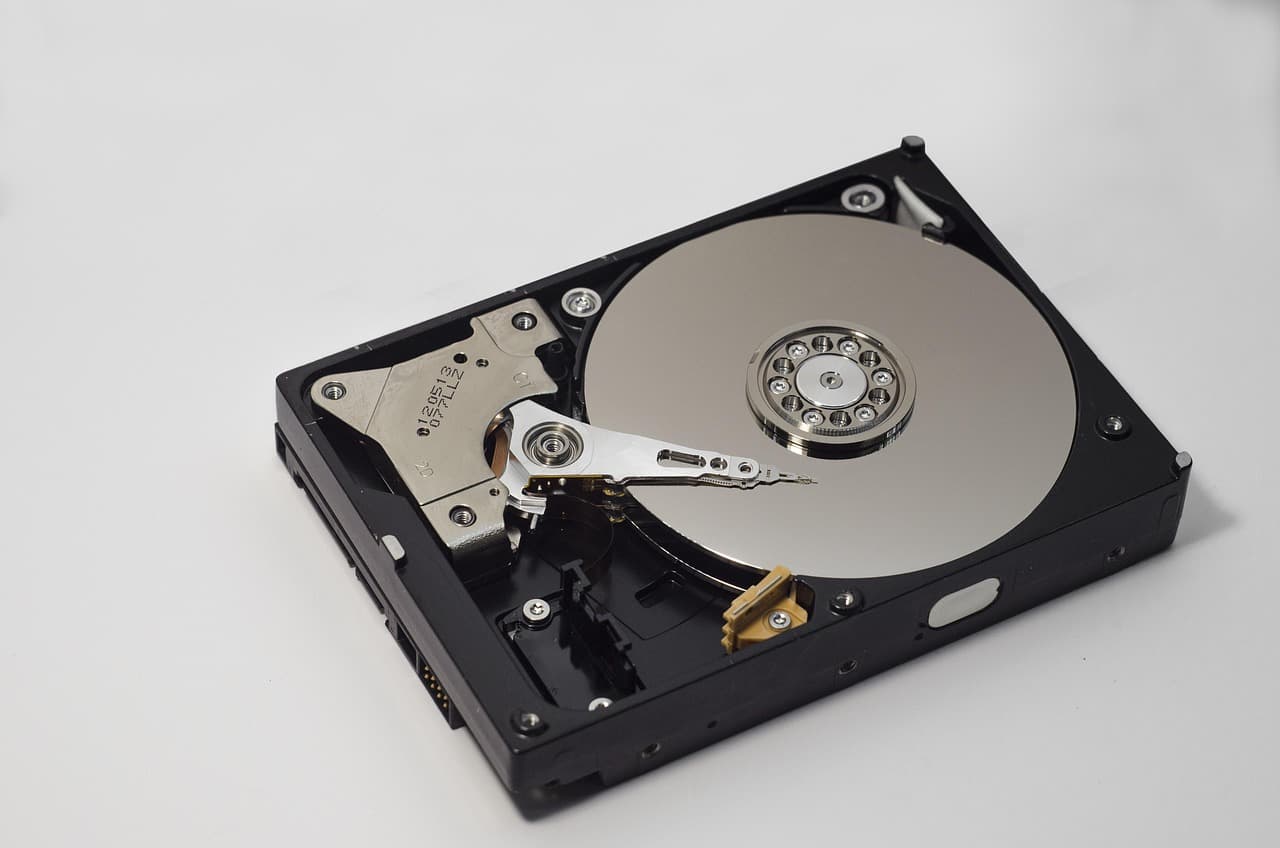
A Discord message never was a file on your disk. There are no leftover bytes to find, because the message was only ever a row in a database on Discord's servers, delivered to your screen over the network. Pointing a recovery tool at your drive to find a deleted Discord message is like searching your house for a letter that was only ever read to you over the phone. There is nothing physical there to recover.
This is not a limitation of a particular tool or a matter of paying for a better one. It is a structural fact about how chat apps work. Any page, video, or tool that claims a piece of "data recovery software" can pull back your deleted Discord DMs is either confused or dishonest. On this site we will always tell you the truth, even when the truth is that a tool we recommend for real disk recovery is the wrong tool for this job.
What actually happens when a Discord message is deleted
When you or another person deletes a message, Discord removes it from the server that stores the conversation. For regular users, Discord does not expose a recycle bin, an undo window, or a self-service restore feature. Once the delete goes through, the message is gone from the interface and, for practical purposes, gone for good.
There is no user-facing button, setting, or hidden menu that brings a deleted message back. Contacting Discord support will not retrieve the content of a normal deleted message for you either. The honest framing is simple: treat a deleted Discord message as permanently lost, and focus your energy on the few places a trace might survive and on preventing the loss next time.
The rare exceptions where a fragment may survive
Being honest means telling you the truth in both directions. Recovery of the actual message is almost never possible, but there are a few narrow situations where a partial trace can still exist. None of these is a reliable method, and none of them involves disk recovery software.
The first is the notification preview. If Discord fired a push notification or sent you an email that showed the opening words of the message before it was deleted, that snippet may still be in your phone's notification log or your email inbox. It is only the beginning of the message, and only if a notification actually fired.
The second is the desktop app cache. The Discord desktop client keeps a temporary local cache of recently viewed content, which can include some images or attachments you just scrolled past. This is not a message archive, it is overwritten quickly, and you should not rely on it. Occasionally a recently viewed image fragment is still there for a short while.
The third is your own Data Package. From Discord Settings you can request an export of your data. This is genuinely useful for your own history, but with one honest caveat: it only contains the messages that still exist at the moment you request the export. It cannot resurrect anything you already deleted.
The fourth applies in a server or moderation context. If a server had a logging bot configured before the message was posted, that bot may have archived the message and its later deletion. This depends entirely on preparation done ahead of time - it is not a way to recover something after the fact on a server that had no logging.
Method by method: what works and what does not
Here is the honest breakdown, so you can stop chasing methods that cannot work and focus on the ones that occasionally can.

The desktop app keeps only a temporary local cache, so anything a running Discord client holds on disk is fleeting and unstructured - never a substitute for a real archive.
| Method | Does it work? | Why |
|---|---|---|
| Disk recovery software (EaseUS, Recuva, PhotoRec) | No | The message was never a file on your disk - there is nothing to scan |
| Notification / email preview | Sometimes, partial | Only the opening snippet, only if a notification fired before deletion |
| Desktop app cache | Rarely, temporary | May hold a recently viewed image fragment; overwritten quickly |
| Discord Data Package export | Yes, for surviving messages only | Exports what still exists - cannot restore already-deleted content |
| Logging bot archive (servers) | Yes, if set up beforehand | Depends on a bot configured before the message was posted |
| Screenshot taken while reading | Yes, if done in time | The single most reliable trace, captured before deletion |
The pattern is clear. The methods that work all depend on something being captured before the message disappeared. There is no after-the-fact tool that reaches into Discord's servers and pulls a deleted message back for a regular user.
How to prepare so you never lose a message again
Since recovery after deletion is almost always impossible, the real solution is preparation. This is where you should spend your effort.
If you run or moderate a server, set up a logging bot in advance. Several well-known moderation bots can archive message edits and deletions to a private log channel as they happen. Configure it before you need it, because it can only log what occurs after it is running.
For your personal account, request your Discord Data Package periodically from Settings, under Privacy and Safety. It gives you an export of your existing messages, which is a useful personal archive - just remember it captures a moment in time and cannot bring back what you already deleted.
For anything you know is important - an address, a payment detail, a promise, evidence of harassment - take a screenshot the moment you read it. It sounds basic, but a screenshot is the most dependable protection there is, and it survives regardless of whether the other person later deletes the message.
Where disk recovery software genuinely helps instead
To be clear, data recovery software is excellent - for the job it is actually built for. If you deleted a real file from your computer, phone, or memory card - a photo, a document, a downloaded attachment you saved locally - then tools like EaseUS or PhotoRec can often bring it back, because those files did live on your disk. That includes an image you downloaded out of Discord and then lost from your Downloads folder.
So the rule is: if the thing you lost was a message inside the Discord app, disk recovery cannot help and you should focus on the exceptions and prevention above. If the thing you lost was a file you had saved to your own storage, disk recovery is exactly the right approach.
Lost a downloaded file, not a chat? Scan your disk
Recover photos, documents and saved attachments deleted from your own drive
Related messaging recovery guides
If you are dealing with a deleted conversation, these companion guides cover other apps and the honest limits of each.
More on recovering deleted messages
- Recover deleted Instagram messages →What is possible with Instagram DMs, the data download, and the honest limits
- Recover deleted text messages (SMS) →How SMS recovery differs from cloud chat, backups and carrier reality
- Recover WhatsApp photos deleted without backup →The truth about WhatsApp media, local caches and what survives
- Our public methodology →How we assess recovery methods - documented capabilities and honest limits
FAQ - Frequently asked questions on deleted Discord messages
Can data recovery software recover deleted Discord messages?
No. Discord messages live on Discord's servers, not as files on your disk. Recovery software scans local storage for deleted files, and there is no Discord message file on your disk to find. This approach cannot work for chat messages, regardless of the tool or its price.
Are deleted Discord messages gone forever?
In almost all cases, yes. Discord has no trash bin or restore feature for regular users. Once a message is deleted server-side, there is no button to bring it back. Treat it as lost and rely on things captured beforehand.
What about the notification preview shown before deletion?
That is one real exception. A push notification or email that showed the start of the message may still be in your notification history or inbox. It is only a partial snippet and only exists if a notification fired.
Does the Discord desktop cache contain deleted messages?
Sometimes it holds a fragment of a recently viewed image, but it is temporary and unreliable. It is not a message archive and it is overwritten quickly. Do not count on it.
How do I make sure I never lose messages again?
Prepare in advance. Use a logging bot on servers you moderate, request your Data Package periodically, and screenshot anything important the moment you read it. After deletion it is almost always too late.
Verdict: prepare in advance, because recovery is not real for Discord
The honest bottom line is uncomfortable but useful. Deleted Discord messages are almost always unrecoverable, because they never existed as files on your disk - they lived on Discord's servers and were removed there. No disk recovery software can change that, and any service promising otherwise should be treated with suspicion.
The few exceptions - a notification preview, a fleeting cache fragment, a pre-existing logging bot, your own data export - all depend on something captured before the deletion. So the real strategy is prevention: log your servers, export your data periodically, and screenshot what matters. Save that energy now, and you will not need to search for a recovery that does not exist later.
Related guides
Recover your deleted files → EaseUS
Free scan · deleted, formatted & lost files · Windows & Mac