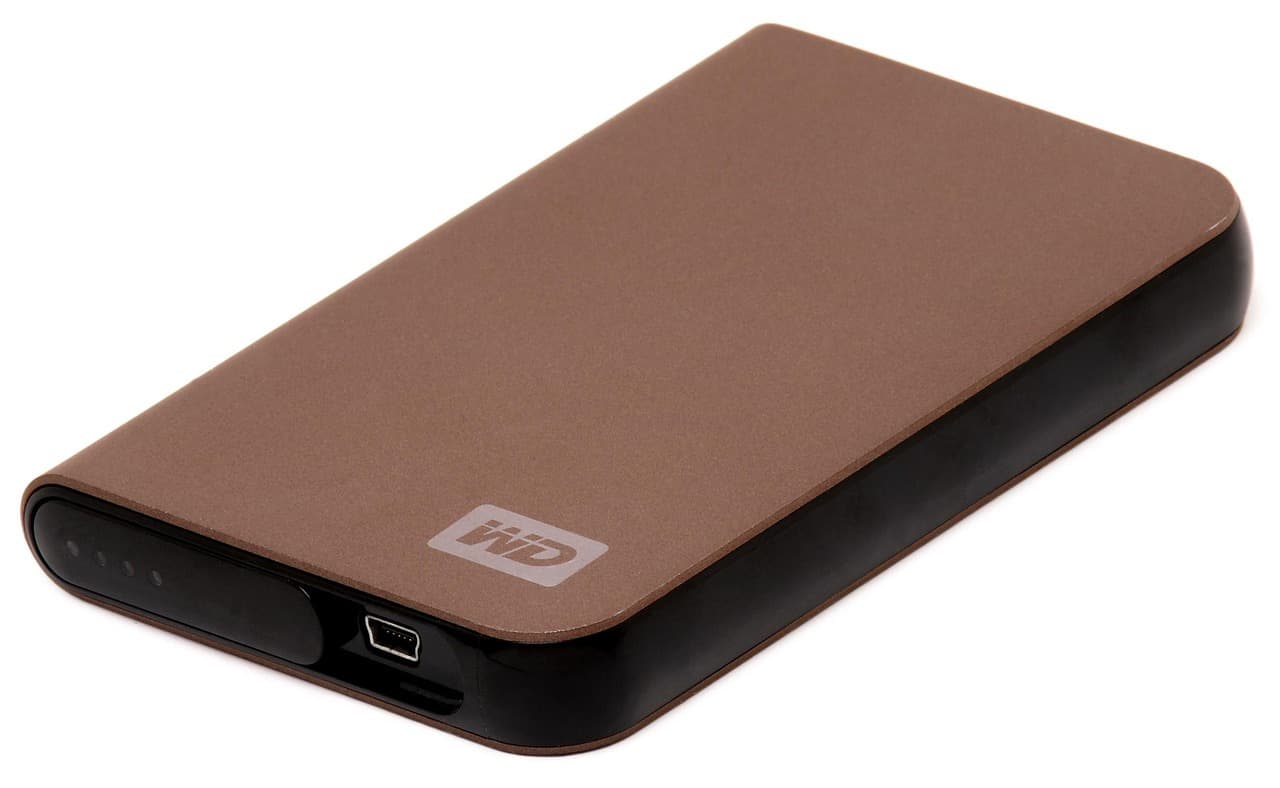
A hard drive walked out of an office in Los Angeles, and the bill being claimed for it is around $105 million.
The details are worth stating precisely, because the useful part is a single word buried in the paperwork. Writer-producer Simon Afram and his company Op-Fortitude filed a complaint in Los Angeles federal court against Netflix. Per the complaint, a master copy of Fortitude, an unreleased World War II film directed by Simon West and starring Nicolas Cage alongside Matthew Goode, Ed Skrein, Alice Eve, Michael Sheen and Ben Kingsley, was hand-delivered to Netflix's Los Angeles office on 15 June, as the company had expressed interest in the distribution rights. On 25 June, Netflix's Head of Film Acquisitions confirmed by email that the film had been stolen, among several drives taken from the office.
These are allegations in a filed complaint. A court has established none of it, Netflix has not been found liable, and this article takes no position on who owes what.
The word that matters
The complaint describes the master copy as unencrypted.
That word is the difference between two very different incidents that look identical from the outside.
- A thief takes an encrypted drive: they have hardware. The contents are unreadable without the key, and the loss is the cost of the disk plus the inconvenience.
- A thief takes an unencrypted drive: they have the contents. Everything on it is now readable by whoever is holding it.
The physical event is the same in both cases. Someone picked up a box and left. What changes the consequence by several orders of magnitude is whether the bytes on that box were readable when it went out the door.

Why this is not just a Hollywood problem
It is tempting to read this as a story about an industry that handles unreleased films carelessly. It is not. The same shape of mistake happens constantly at a much smaller scale:
- You hand an external drive to a repair shop with your whole photo library on it.
- You post a disk to a data recovery service.
- You give a drive to a colleague, a client or a family member to copy something off it.
- You sell or give away an old laptop, or leave a drive in a drawer at an office you no longer work in.
In every one of those, the physical object leaves your control. Whether that matters depends entirely on whether the data on it was readable. Most people find out which case they were in only afterwards.
Encryption is not backup, and backup is not encryption
This is worth separating carefully, because our own guides talk a lot about copies and much less about confidentiality.
Backup solves availability. It answers: if this drive disappears or dies, do I still have the data? That is the 3-2-1 rule and everything around it.
Encryption solves confidentiality. It answers: if this drive ends up in someone else's hands, can they read it?
Those are different failures, and one does not cover the other. In the Netflix case, both were in play: the complaint describes a master copy that was unencrypted, and the drive was reportedly the copy that had been delivered. A copy you no longer have and that a stranger can read is the worst of both worlds.
What to do before a drive leaves your hands
Three steps, in this order, and none of them takes long.
1. Do not go down to one copy. Before you hand over, post, or lend a drive, make sure the data exists somewhere you still control. A drive in transit should never be the only copy of anything, whether it is a film master or a wedding album.
2. Encrypt the volume, not just an account. Use the full-disk or full-volume tool for your system: BitLocker on Windows, FileVault on macOS, VeraCrypt cross-platform, LUKS on Linux. The distinction that matters: an account password is removed the moment someone pulls the disk out of its enclosure and plugs it in elsewhere. Volume encryption transforms the data itself, so the enclosure is irrelevant.
3. Send the key separately. Handing over an encrypted drive with the passphrase on a sticky note taped to it recreates the original problem. Different channel, different time.
A note on the trade-off, because it is real: if you encrypt a drive and lose the passphrase, the data is gone, and no recovery service can help you. That is not a reason to skip encryption. It is a reason to store the passphrase properly, and to keep the unencrypted-but-controlled copy mentioned in step one.
The honest summary
A studio lost a film and is being sued for a nine-figure sum. You are unlikely to be in that position. But the mechanism that turned a stolen box into a catastrophe is exactly the one that turns a lost repair-shop drive into a personal one, and it comes down to a decision you make in about ninety seconds before the drive leaves your desk.
Encrypt what you hand over. Keep what you still need.
Sources
- Complaint filed by Simon Afram and Op-Fortitude in Los Angeles federal court, as reported early August 2026.
Recover your deleted files → EaseUS
Free scan · deleted, formatted & lost files · Windows & Mac


